


Custom Animation
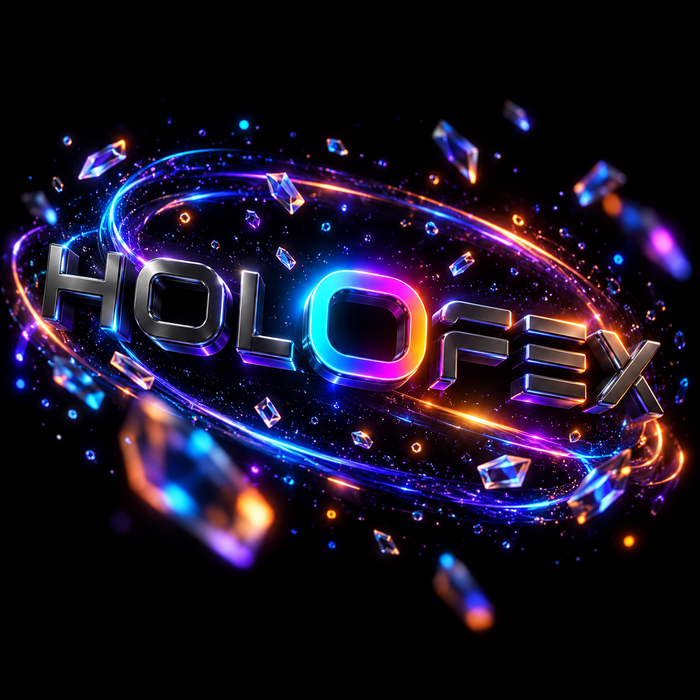
A custom logo animation, converted into 3D with a spinning animation.



ARTWORK → ANIMATION → DISPLAY
Create with our tools or work with our design team. Turn your artwork into an animation made for your holographic display.
Your artwork. New depth. Made for your display.

Flat artwork → Dimensional animation
Your display plays specially prepared video. Shape, movement and contrast create the floating effect.
Keep width and height equal.
Black areas stay unlit so the subject stands out.
Turn your logo or idea into an animation, then review the result for your brand and display.
Use your device’s recommended resolution, codec and playback settings. This page explains the visual principles; check the final file on your display.
Two custom animation services. Choose the level of detail your logo needs.
A custom logo animation, converted into 3D with a spinning animation.

A more detailed 3D logo animation with tailored movement and visual effects.
Digital animation services. Display hardware sold separately.
Upload your square MP4 and see how it looks on a holographic display.

Upload your logo. Choose HoloPack or a standalone display, then see it at an event, trade show or retail space.
Customize Your Holographic Fan with Holofex's 3D Hologram Design Services.
See your brand come to life.
Turn your logo, product or artwork into a floating 3D animation like the one shown here. Create it with AI HoloLab, build it yourself in HoloStudio, or let our design team make it for you.
Choose the method that works best for your vision.

Astronaut floating in space, nebula in the background
Generate holographic animations instantly using AI. Just describe your idea or upload a reference image.
Perfect for: Quick ideas, concepts, marketing content, social media
Open AI HOLOLAB
Create your own holograms with our intuitive 3D tools. Upload, extrude, animate and export in minutes for free.
Perfect for: Logos, products, text, icons, simple animations
Open HoloStudio
Need something extraordinary? Our professional design team will bring your vision to life.
Perfect for: Complex animations, brand campaigns, product launches
Get a quoteCUSTOM HOLOGRAMS
Creating your animation and previewing your Holofex display.
Yes. Upload a clear PNG or JPG to the setup preview. A transparent PNG works best; the generator removes the logo background before creating the concept.
The AI setup tool creates a still-image concept of your display in a venue. Use HoloStudio, AI Holo Lab or our design team to create the animation file for your device.
Use a pure black background, keep important artwork inside the circular safe area and export using your device’s recommended resolution and video settings. The MP4 tool is a visual simulation; check the final file on your device.
Yes. Choose HoloPack or standalone in the setup tool, then select an event, trade show or retail display. You can also upload a reference photo of your space.
The generated concept is designed to show clear acrylic with subtle edge reflections and floating artwork. Actual reflections and visibility depend on your device, lighting and viewing angle.
Yes. Contact our design team with your logo, product and brief. They can advise on the scope, price and file requirements for your display.
No answers matched your search — but we're happy to help directly.
Contact HolofexShop our best sellers


Your cart is currently empty.
Start Shopping
